MacMetra
A macOS system monitor.


Video: the MacMetra popover open below the menu-bar item; CPU, memory, storage, thermal state and power update every second. Muted, 10 seconds, loops.
Free download · 7-day free trial · then a one-time purchase
Free download · 7-day free trial · then a one-time purchase
Native apps for Mac and iPhone.
A macOS system monitor.
Video: the MacMetra popover open below the menu-bar item; CPU, memory, storage, thermal state and power update every second. Muted, 10 seconds, loops.
Free download · 7-day free trial · then a one-time purchase
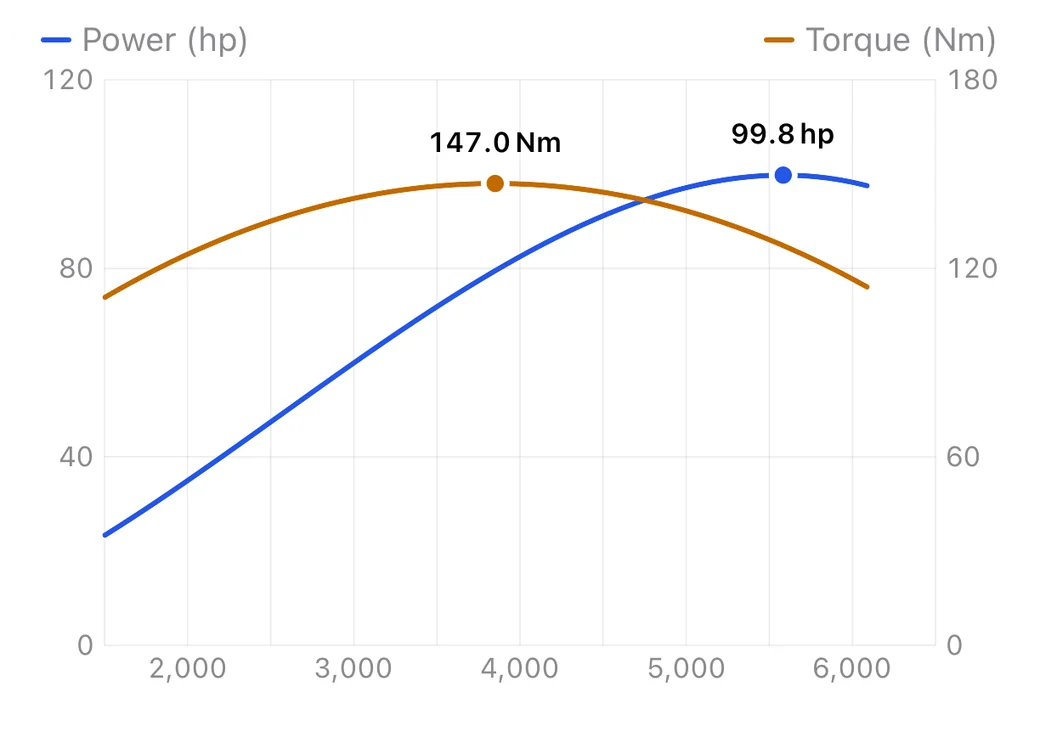
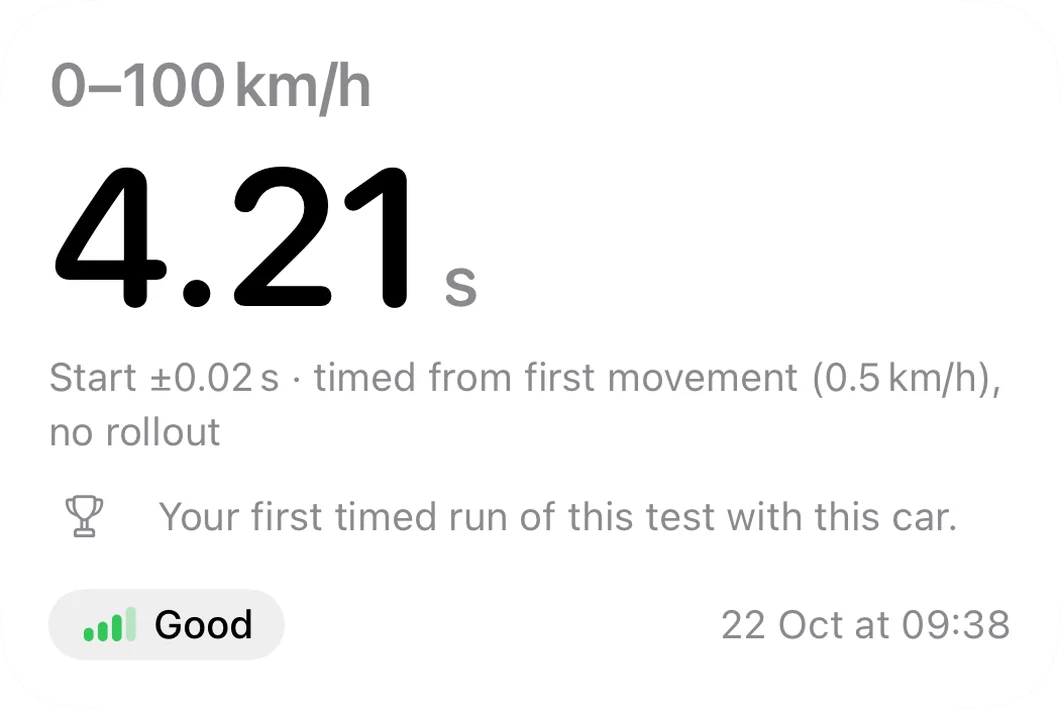
Your 0-100, timed. Your car’s virtual dyno.
Example screens. Use on a closed road or track.
MacMetra shows five readings (CPU, memory, storage, thermal state and power) in a dashboard one click below the menu bar.
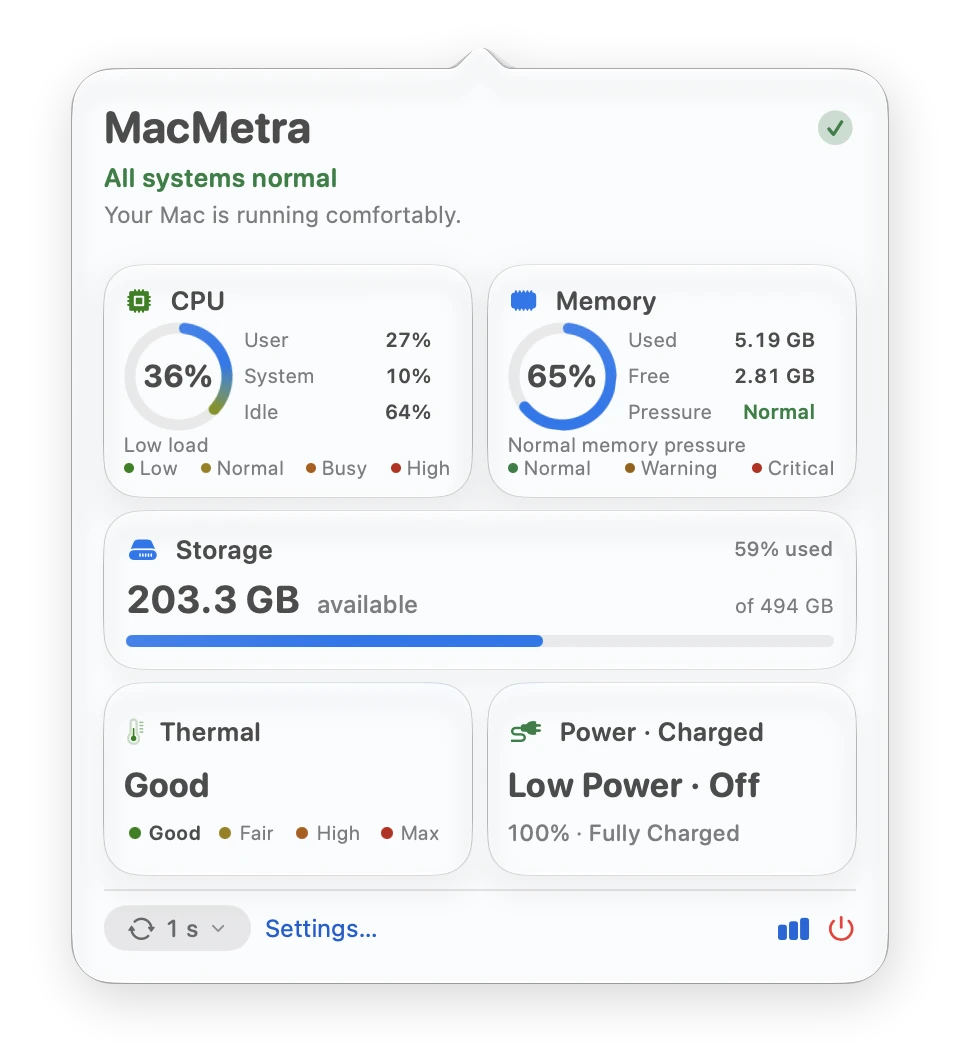
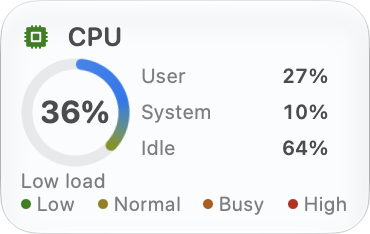
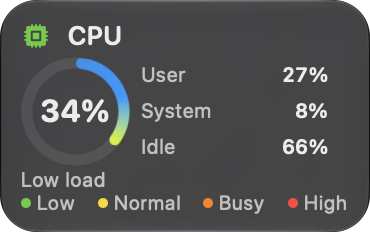
Total load as a ring, split into user, system and idle, with a plain-English band from Low to High.
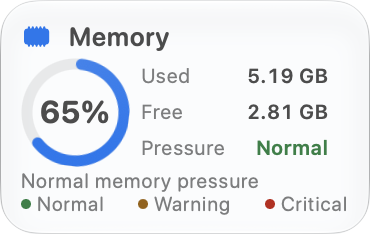
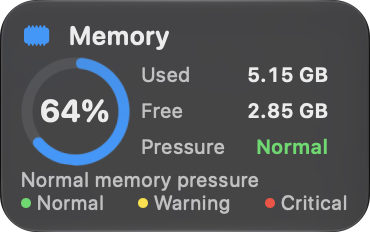
Used and free in gigabytes, plus the memory pressure macOS itself reports: Normal, Warning or Critical.
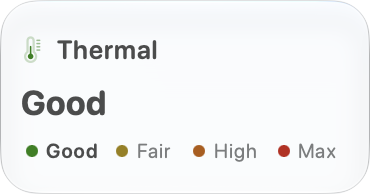
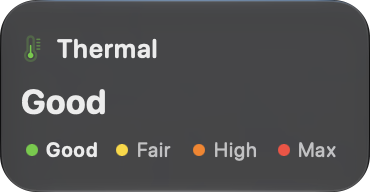
The four-step thermal state macOS publishes: Good, Fair, High, Max. A state, not a temperature: no sensors are read, no degrees are shown.
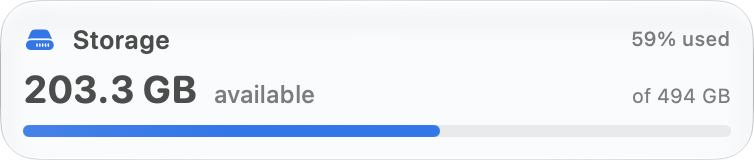
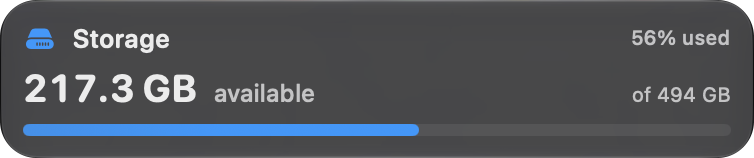
Space available on your startup disk against its size, as a figure and a bar. The bar turns orange at 80% and red at 92%.
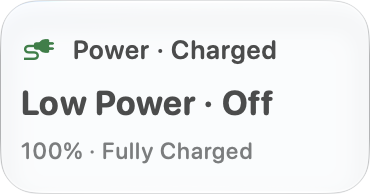
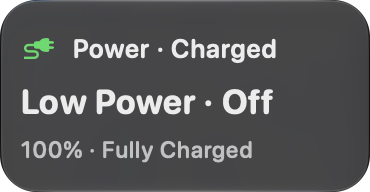
Charging, charged, connected or on battery, with the charge level, the time to a full charge, and whether Low Power Mode is on.
MacMetra keeps CPU, TEMP and RAM in one menu bar item. Choose which of the three appear, and in what order, under Menu Bar › Order; changes are applied when you press Save, and Cancel (or closing the window) discards them.
Neither app collects your data. What they read stays on your Mac or your iPhone, unless you choose to export a PerfDial run.
 MacMetra
 reads aggregate, machine-wide counters from macOS (CPU load, memory and memory pressure, thermal state, power and space available on the startup disk) and draws them in the menu bar and dashboard. It does not enumerate your applications or read your files, records no history, and sends nothing anywhere: there is no HTTP request, no socket, no web view and no background upload.
No account, no cloud, no ads. Location, motion and air-pressure readings are processed on your iPhone. Nothing is uploaded unless you choose to export a run yourself.
No. Unlocking MacMetra is a one-time purchase: there is no monthly plan, no annual plan and no recurring billing. There is nothing to renew and nothing to cancel. The free trial and the unlock are both handled through the App Store as In-App Purchases. The unlock is a one-time In-App Purchase, priced by the App Store in your local currency.
It is built to do as little as possible. Periodic sampling stops while your displays are asleep and while nothing that needs measuring is on screen, and hiding the CPU or RAM readout stops that measurement rather than merely hiding it. Thermal state and memory pressure arrive as system events, so they cost nothing between changes. MacMetra is a single app: no helper tool, no kernel extension and no background updater.
TEMP shows the four-step thermal state macOS publishes: Good, Fair, High, Max. It is a state, not a temperature: a sandboxed app cannot read the sensors of the Mac, so MacMetra reads no sensors and shows no degrees. macOS names its four steps nominal, fair, serious and critical; MacMetra shows them in plain words.
Free download · 7-day free trial · then a one-time purchase
Also for iPhone: PerfDial