

PerfDial

Your 0-100, timed.Your car’s virtual dyno.

Time your 0-100 km/h runs with the GPS and motion sensors in your iPhone. PerfDial also estimates engine power and torque from one dyno pull.

  • An iPhone running iOS 26 or later, with GPS
  • No account, no cloud, no ads
  • A closed road or track where testing is allowed
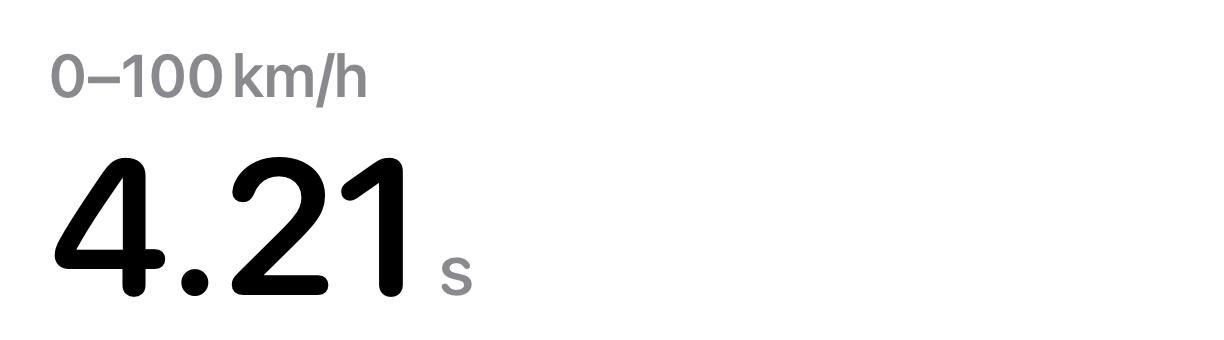
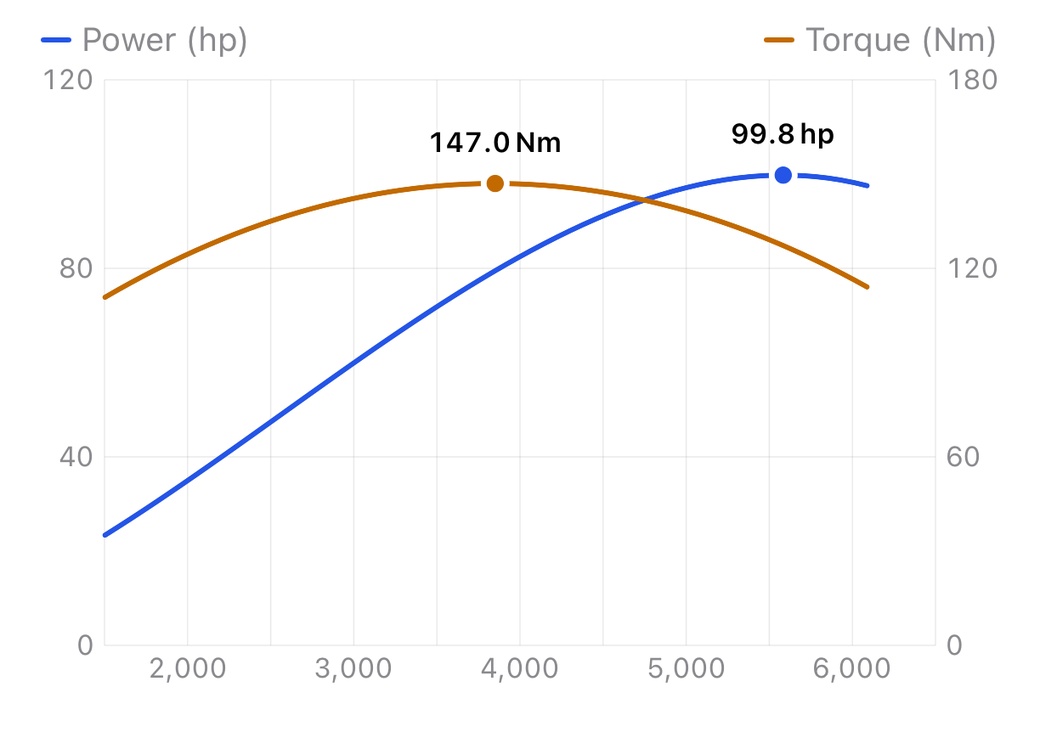
Example PerfDial result: 0-100 km/h in 4.21 s.PerfDial dyno chart: estimated power and torque against engine speed, peaks of 99.8 hp and 147.0 Nm.

Example screens.

Timer

Acceleration timer

Mount the iPhone, tap Go and drive. PerfDial finds the start and the stop itself, and times the intervals the run crossed: 0-60, 0-100, 60-100, 80-120 or 100-200 km/h.

Choose your own test instead: a standing start, a rolling start or a custom speed range.
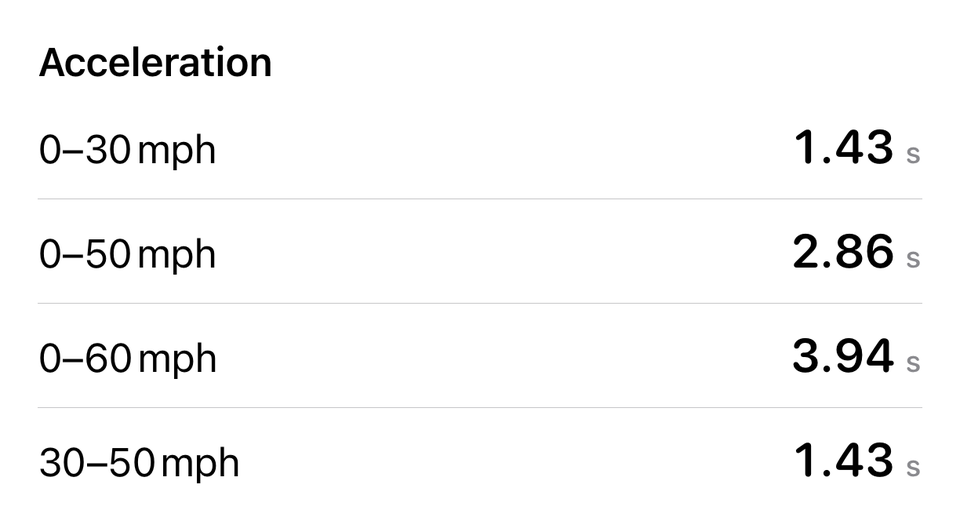
Example PerfDial Acceleration card in mph: 0-30 mph 1.43 s, 0-50 mph 2.86 s, 0-60 mph 3.94 s, 30-50 mph 1.43 s.

Dyno

Virtual dyno

From one dedicated pull, PerfDial estimates engine power and torque, shows a margin, can average the pull with its return pull, and corrects for the weather when the phone’s barometer has a reading.

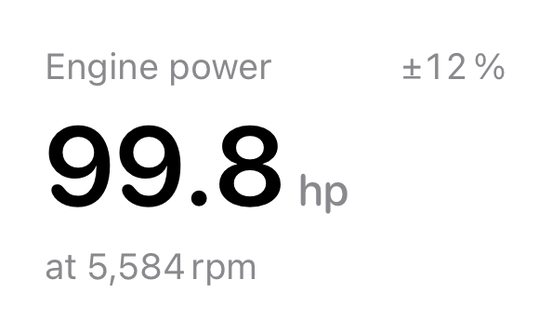
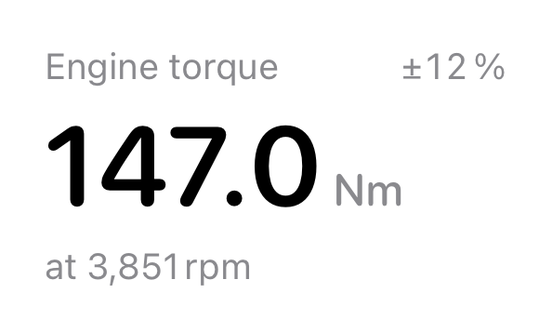
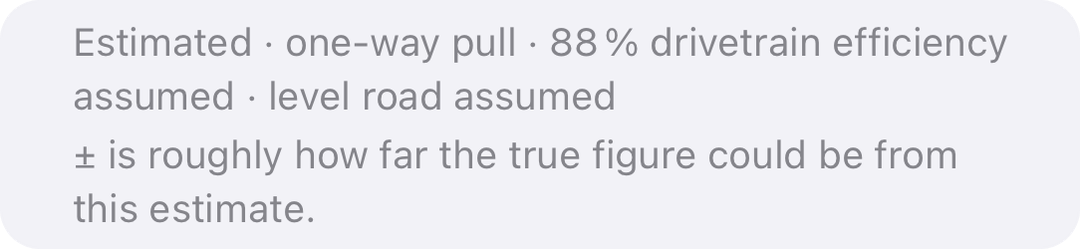
Engine power card: 99.8 hp at 5,584 rpm, ±12 %.Engine torque card: 147.0 Nm at 3,851 rpm, ±12 %.The note under the dyno figures: Estimated, one-way pull, 88 % drivetrain efficiency assumed, level road assumed.

Example screens.

Timer

When the data is not good enough to measure a time, PerfDial shows no time rather than a flattering guess.

Dyno

Every physics output is labelled as estimated: estimated power, estimated torque, estimated revs (RPM).

Every run, saved.

Your history, grouped by day.

PerfDial Runs, Today: a dyno pull, graded Fair, at 9:40.

Your whole garage.

Add every car you drive.

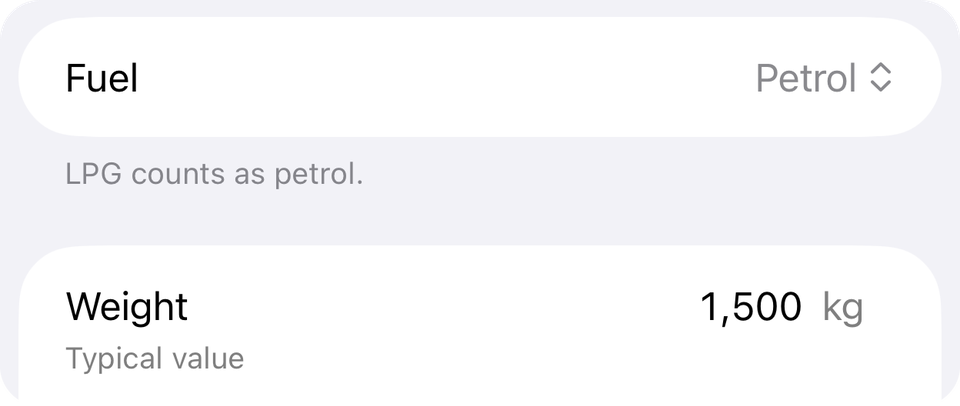
PerfDial New Car form: fuel set to Petrol, the note that LPG counts as petrol, and a weight of 1,500 kg, marked as a typical value.

Privacy

Private by design.

No account, no cloud, no ads.

Location, motion and air-pressure readings are processed on your iPhone. Nothing is uploaded unless you choose to export a run yourself.

  • No account
  • No cloud
  • No analytics
  • No third-party SDKs

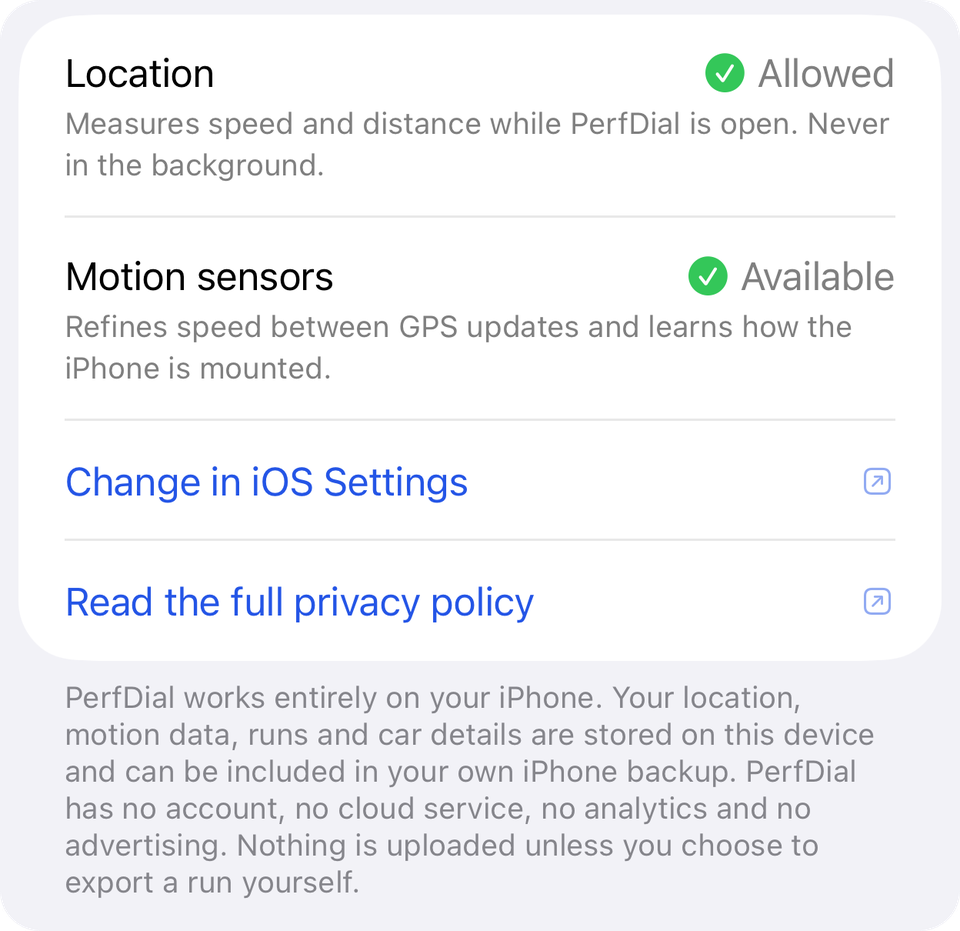
PerfDial privacy

PerfDial Settings, Privacy: Location allowed, Motion sensors available, and the note that PerfDial works entirely on your iPhone.

Safety

Before the first run

PerfDial shows this notice and the driver has to acknowledge it:

Use PerfDial only on a closed road or track where this is allowed. Never use it on public roads, in traffic or above the speed limit. Mount the iPhone and do not touch it while driving. The figures are estimates, and the driver is responsible for driving safely.

PerfDial

Your 0-100, timed.Your car’s virtual dyno.